Successful edits (with TDD)
現在要讓編輯表單能正常運作。編輯個人圖片的功能已經可以運作了,因為是交由第三方 Gravatar website 幫我們完成,只要點擊「change」就會另開頁籤或視窗讓你編輯圖片。
當你對寫測試越來越上手之後,你會發現先寫整合測試再寫應用程式碼會更有用。根據我們的情況,我們要寫的是 acceptance tests,這種測試用來檢查某個功能是否已經完成。
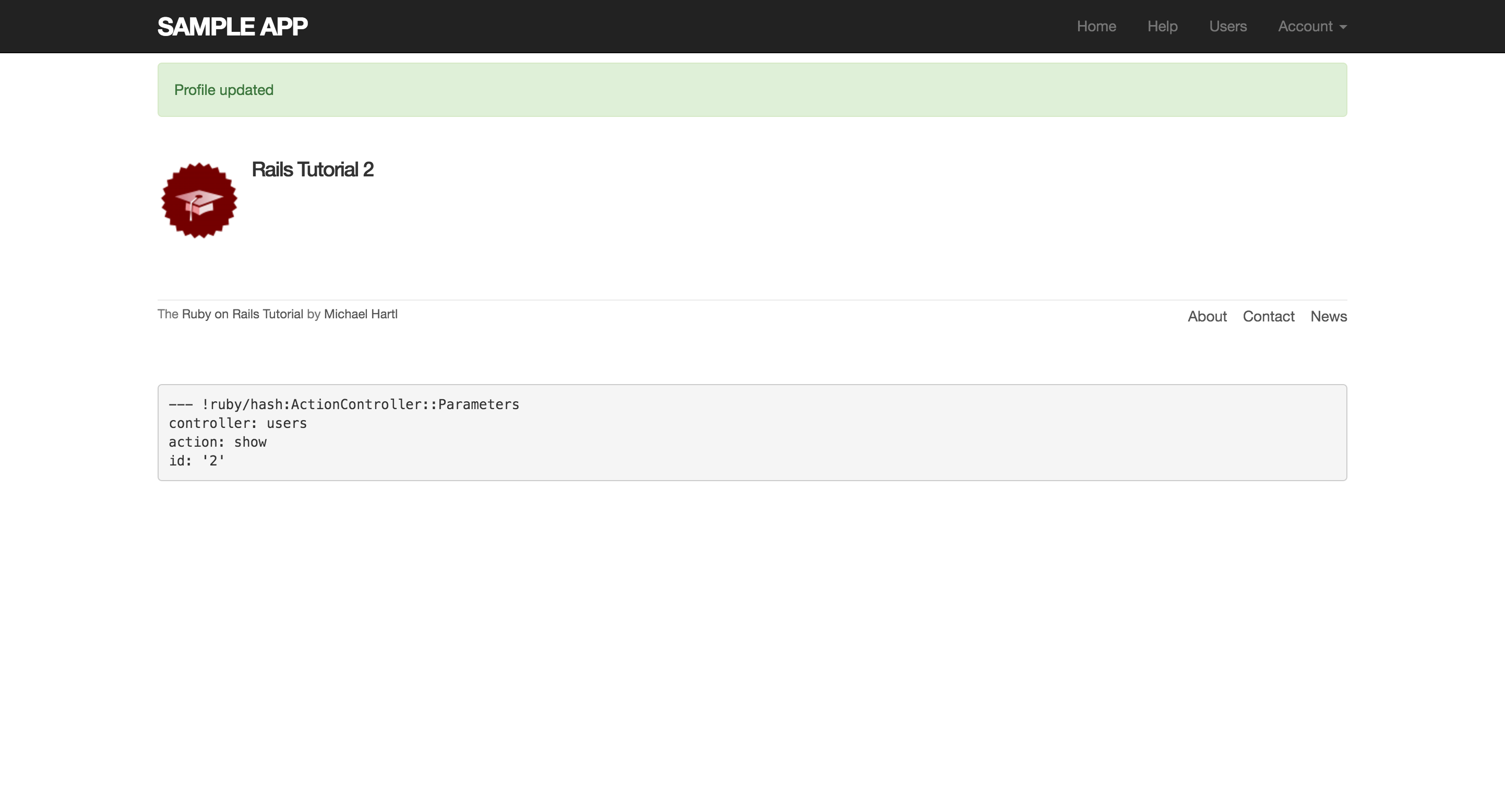
我們要寫一個跟上一節很像的測試,確認更新使用者的行為是正常的,只是這次我們會提交有效的資料。然後還要檢查顯示 flash message,還會正確導向到個人資料頁面,以及檢查使用者的資料有被正確的更新至資料庫裡。
以下是成功編輯的測試程式碼:
test/integration/users_edit_test.rb
require 'test_helper'

class UsersEditTest < ActionDispatch::IntegrationTest

  def setup
    @user = users(:michael)
  end
  .
  .
  .
  test "successful edit" do
    get edit_user_path(@user)
    assert_template 'users/edit'
    name  = "Foo Bar"
    email = "[email protected]"
    patch user_path(@user), user: { name:  name,
                                    email: email,
                                    password:              "",
                                    password_confirmation: "" }
    assert_not flash.empty?
    assert_redirected_to @user
    @user.reload
    assert_equal name,  @user.name
    assert_equal email, @user.email
  end
end
其中,password 和 password_confirmation 都是空白的,因為修改 name 和 email 並不會也想同時修改 password。同時也注意 @user.reload,它是用來重載資料庫裡的資料,確保資料都被更新。
接著是修改 update action 的程式碼:
app/controllers/users_controller.rb
class UsersController < ApplicationController
  .
  .
  .
  def update
    @user = User.find(params[:id])
    if @user.update_attributes(user_params)
      flash[:success] = "Profile updated"
      redirect_to @user
    else
      render 'edit'
    end
  end
  .
  .
  .
end
做到這邊,測試還無法通過,因為我們剛剛設定空白的 password 和 password_confirmation,所以無法通過長度驗證。為了讓測試通過,我們要在密碼驗證加個例外,讓空密碼也能通過測試。透過使用 allow_nil: true:
app/models/user.rb
class User < ActiveRecord::Base
  attr_accessor :remember_token
  before_save { self.email = email.downcase }
  validates :name, presence: true, length: { maximum: 50 }
  VALID_EMAIL_REGEX = /\A[\w+\-.]+@[a-z\d\-.]+\.[a-z]+\z/i
  validates :email, presence: true, length: { maximum: 255 }
                    format: { with: VALID_EMAIL_REGEX },
                    uniqueness: { case_sensitive: false }
  has_secure_password
  validates :password, presence: true, length: { minimum: 6 }, allow_nil: true
  .
  .
  .
end
也許你會擔心這樣一來,新的使用者註冊時不就可以使用空密碼?回想之前我們使用了 has_secure_password 方法,這個方法包含了一個獨立的存在性驗證(presence validation),會捕捉使用者密碼為 nil 的情形。因為就算密碼為 nil 可以通過主要的存在性驗證,但還是會被 has_secure_password 的驗證捕捉到,這個也解決之前提過會出現重複的錯誤訊息的問題。
現在執行測試就能通過了(Green):
$ bundle exec rake test