Resetting the password
為了讓這個連結起作用:
http://example.com/password_resets/3BdBrXeQZSWqFIDRN8cxHA/edit?email=foo%40bar.com
我們要建立一個重設密碼的表單。這個表單的目的和編輯個人資料的表單很像,差別只在於欄位只有密碼和密碼確認。
我們預期透過 email 尋找使用者,也就是說在 edit 和 update action 中需要有 email 的位址。在 edit action 中可以輕易取得 email,因為連結裡就有,不過提交表單後,email 就會消失了。為了解決這個問題,可以使用 hidden field,把這個欄位的值設成 email(不會顯示在頁面),和表單中的其他資料一起提交給 update action,如以下程式碼所示:
app/views/password_resets/edit.html.erb
<% provide(:title, 'Reset password') %>
<h1>Reset password</h1>

<div class="row">
  <div class="col-md-6 col-md-offset-3">
    <%= form_for(@user, url: password_reset_path(params[:id])) do |f| %>
      <%= render 'shared/error_messages' %>

      <%= hidden_field_tag :email, @user.email %>

      <%= f.label :password %>
      <%= f.password_field :password, class: 'form-control' %>

      <%= f.label :password_confirmation, "Confirmation" %>
      <%= f.password_field :password_confirmation, class: 'form-control' %>

      <%= f.submit "Update password", class: "btn btn-primary" %>
    <% end %>
  </div>
</div>
這裡我們使用了 form tag helper:
hidden_field_tag :email, @user.email
取代:
f.hidden_field :email, @user.email
因為在重設密碼的連結中,email 位址在 params[:email] 中,如果使用後者,就會把 email 放在 params[:user][:email] 裡。
為了正確渲染表單,我們需要在 Password Resets controller 的 edit action 定義一個 @user 變數。和啟動帳號一樣,我們要找到 params[:email] 中 email 相對應的使用者,然後確認這名使用者已經被啟動,接著使用之前定義的 authenticated? 方法驗證 params[:id] 的 reset token。
因為在 edit 和 update action 中都要使用 @user,所以要把查詢使用者和驗證 reset token 的程式碼放進 before filters,如下所示:
app/controllers/password_resets_controller.rb
class PasswordResetsController < ApplicationController
  before_action :get_user,   only: [:edit, :update]
  before_action :valid_user, only: [:edit, :update]
  .
  .
  .
  def edit
  end

  private

    def get_user
      @user = User.find_by(email: params[:email])
    end

    # Confirms a valid user.
    def valid_user
      unless (@user && @user.activated? &&
              @user.authenticated?(:reset, params[:id]))
        redirect_to root_url
      end
    end
end
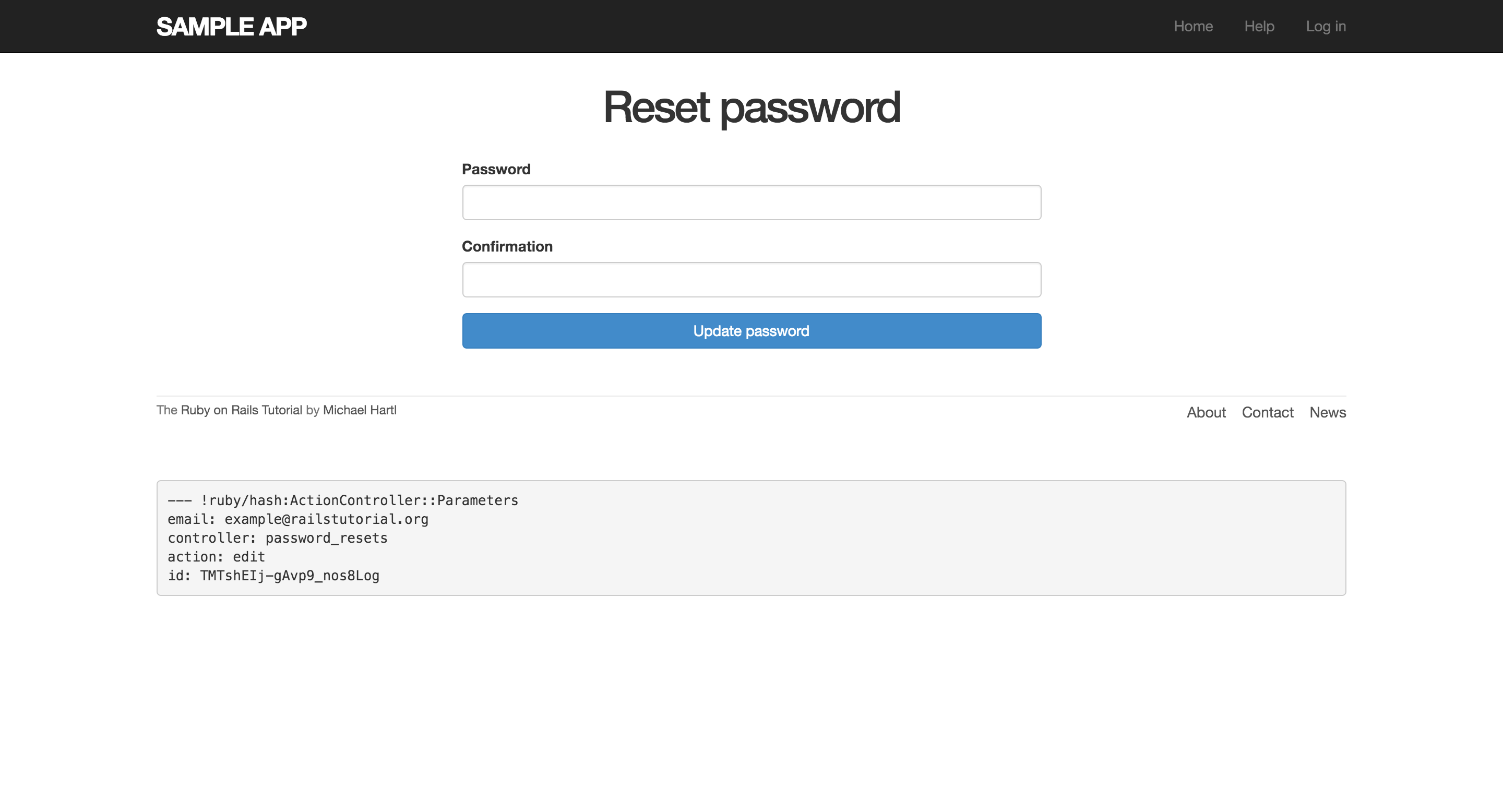
點擊重設密碼的連結:
https://localhost:3000/password_resets/TMTshEIj-gAvp9_nos8Log/edit?email=example%40railstutorial.org
就會看到以下畫面:
對應 edit action 的 update action,需要考慮以下四種情形:
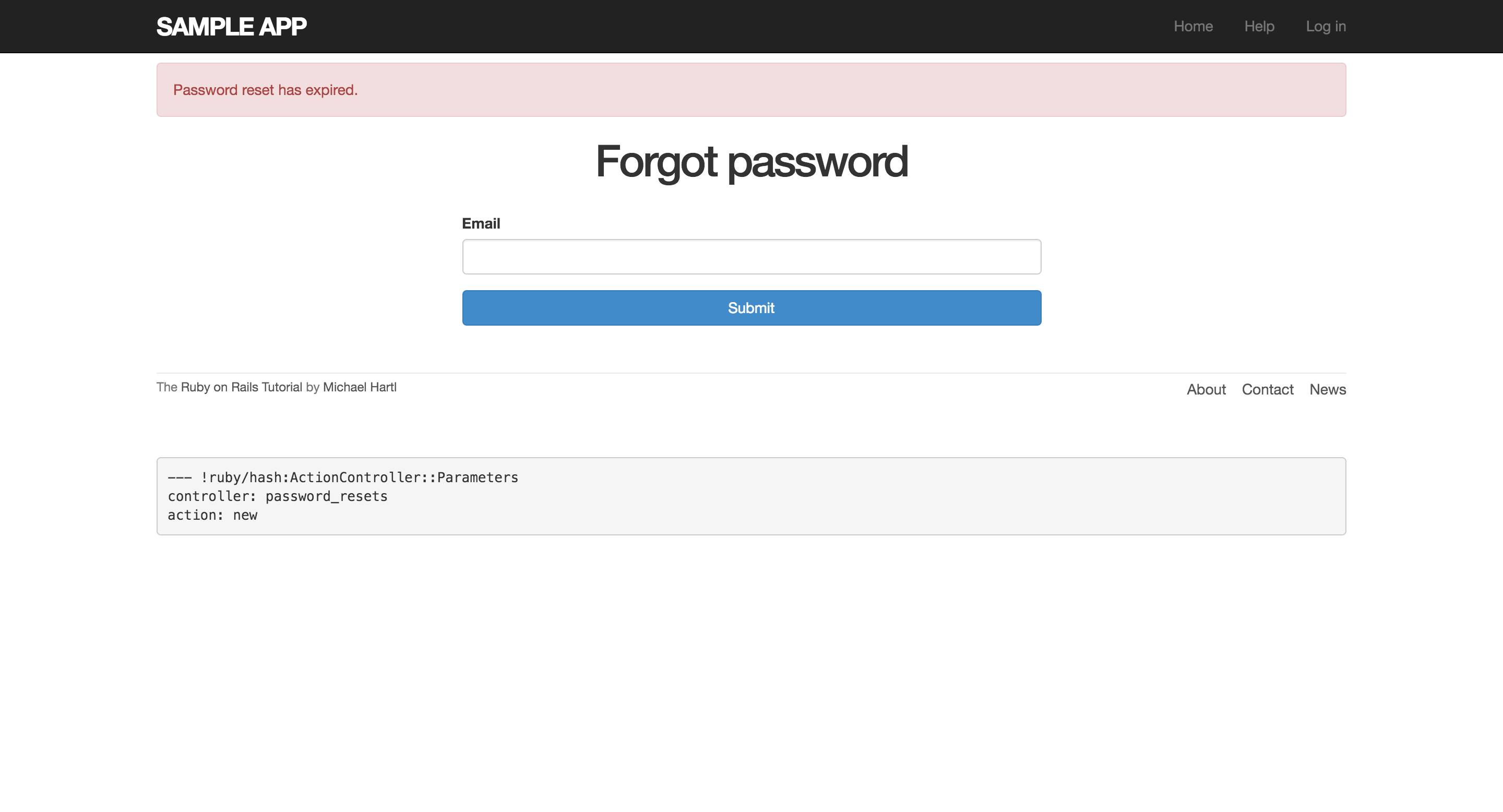
- 過期的重設密碼
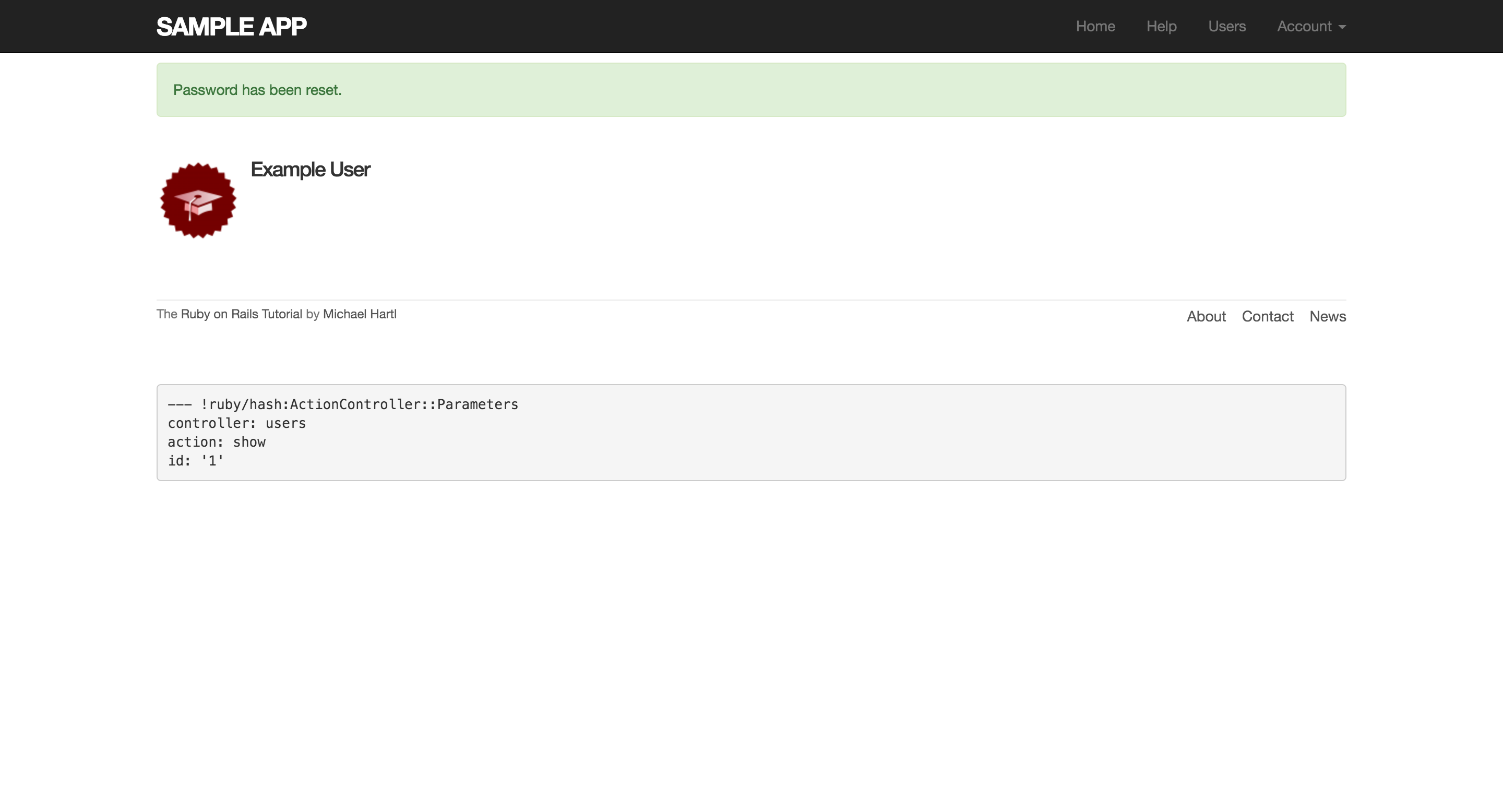
- 密碼重設成功
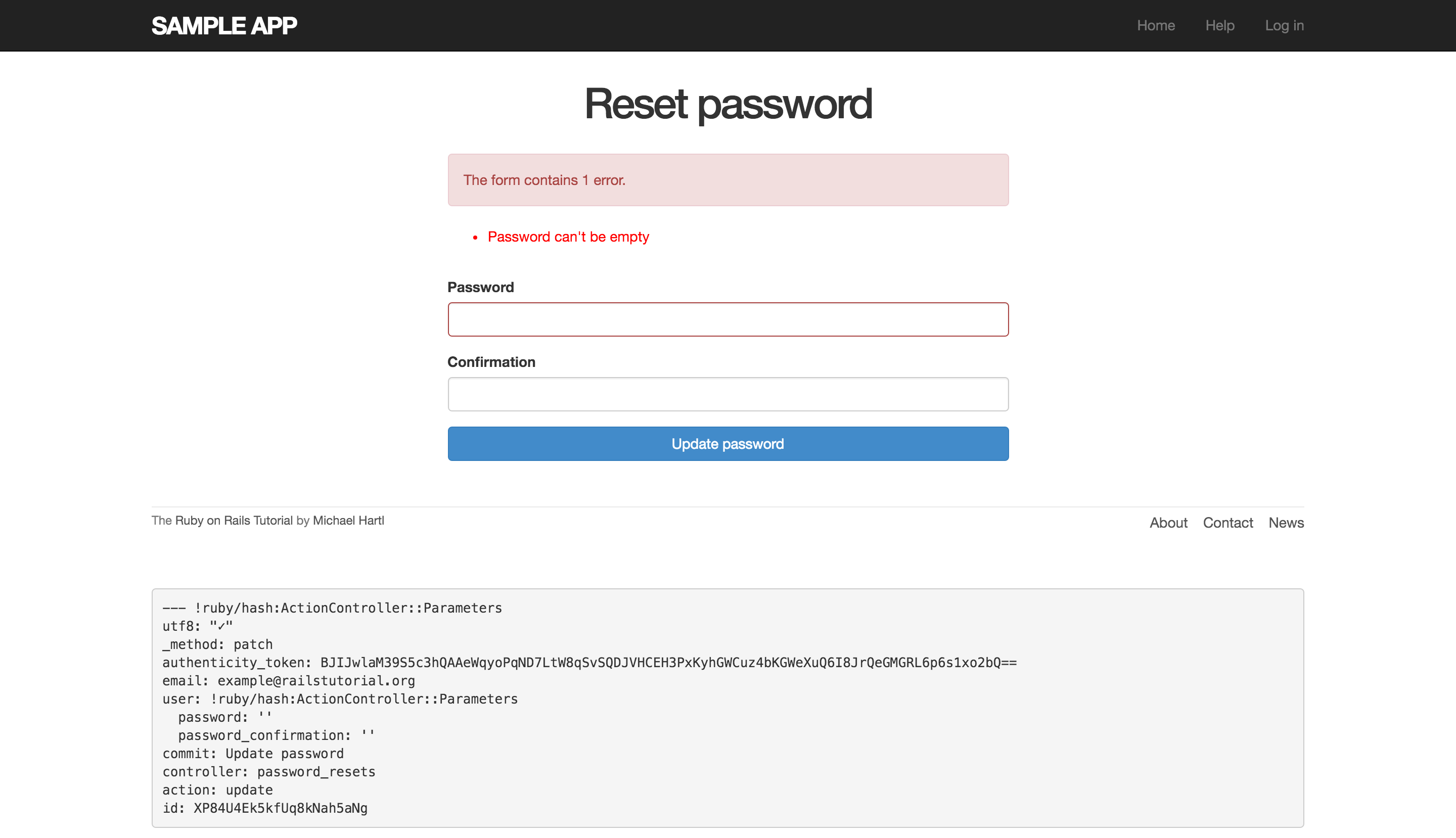
- 因為無效的密碼導致重設失敗
- 密碼和密碼確認的值為空值導致的重設失敗(看起來會像成功)
第一種情況,會發生在 edit 、update action,所以邏輯上會使用 before filter 處理。
第二、三種情況,使用 if 述句來處理,因為這個表單會修改 Active Record 的模型物件,所以可以使用共用的 partial 來顯示錯誤訊息。
最後一種情況,因為目前 User model 允許密碼出現空值,所以要特別處理,我們要直接在 @user 物件上,加入錯誤訊息:
@user.errors.add(:password, "can't be empty")
以下是完整程式碼:
app/controllers/password_resets_controller.rb
class PasswordResetsController < ApplicationController
  before_action :get_user,         only: [:edit, :update]
  before_action :valid_user,       only: [:edit, :update]
  before_action :check_expiration, only: [:edit, :update]

  def new
  end

  def create
    @user = User.find_by(email: params[:password_reset][:email].downcase)
    if @user
      @user.create_reset_digest
      @user.send_password_reset_email
      flash[:info] = "Email sent with password reset instructions"
      redirect_to root_url
    else
      flash.now[:danger] = "Email address not found"
      render 'new'
    end
  end

  def edit
  end

  def update
    if params[:user][:password].empty?
      @user.errors.add(:password, "can't be empty")
      render 'edit'
    elsif @user.update_attributes(user_params)
      log_in @user
      flash[:success] = "Password has been reset."
      redirect_to @user
    else
      render 'edit'
    end
  end

  private

    def user_params
      params.require(:user).permit(:password, :password_confirmation)
    end

    # Before filters

    def get_user
      @user = User.find_by(email: params[:email])
    end

    # Confirms a valid user.
    def valid_user
      unless (@user && @user.activated? &&
              @user.authenticated?(:reset, params[:id]))
        redirect_to root_url
      end
    end

    # Checks expiration of reset token.
    def check_expiration
      if @user.password_reset_expired?
        flash[:danger] = "Password reset has expired."
        redirect_to new_password_reset_url
      end
    end
end
上面使用 @user.password_reset_expired? 來判斷重設是否過期,所以我們要再定義一個 password_reset_expired? 方法,根據之前的重設郵件內容,我們是限定兩小時內進行重設,也就是超過兩小時,那個連結變失效,可以透過使用 Ruby 來實作:
reset_sent_at < 2.hours.ago
如果把 > 讀成「less than」,聽起來會像是「密碼重設郵件發送小於兩小時」,但實際上應該讀成「earlier than」,也就是「密碼重設郵件發送已經超過兩小時」,這才是我們要表達的意思。
定義 password_reset_expired? 方法如下:
app/models/user.rb
class User < ActiveRecord::Base
  .
  .
  .
  # Returns true if a password reset has expired.
  def password_reset_expired?
    reset_sent_at < 2.hours.ago
  end

  private
    .
    .
    .
end
現在 update action 可以運作了,以下分別是密碼重設失敗和成功的畫面: