Bootstrap and custom CSS
Bootstrap 本身是用 LESS 寫的,Rails 則是預設使用 Sass,而 bootstrap-sass gem 會自動把 LESS 轉成 Sass。
安裝 bootstrap-sass gem:
source 'https://rubygems.org'

gem 'rails',                '4.2.2'
gem 'bootstrap-sass',       '3.2.0.0'
.
.
.
執行 bundle install:
$ bundle install
使用 rails generate 建立 controller 時,Rails 會自動為 controller 產生相對應的 CSS 檔案,但因為要依序正確載入 CSS 檔案有點困難,所以這個教學的所有 CSS 都會先放在同一個檔案中。
建立一個 CSS 檔案:
$ touch app/assets/stylesheets/custom.css.sass
因為本人慣用 Sass,所以副檔名是用
.sass,原文教學裡是用.scss
在這個路徑的檔案是屬於 Asset Pipeline 的一部份:
app/assets/stylesheets/
裡面所有的 CSS 都會被 import 進 application.css。custom.css.sass 中的 .css 說明這是 CSS 檔案,.sass 說明這是 Sassy CSS 檔案,Asset Pipeline 會使用 Sass 處理裡面的內容。
在 custom.css.sass import Bootstrap:
@import "bootstrap-sprockets"
@import "bootstrap"
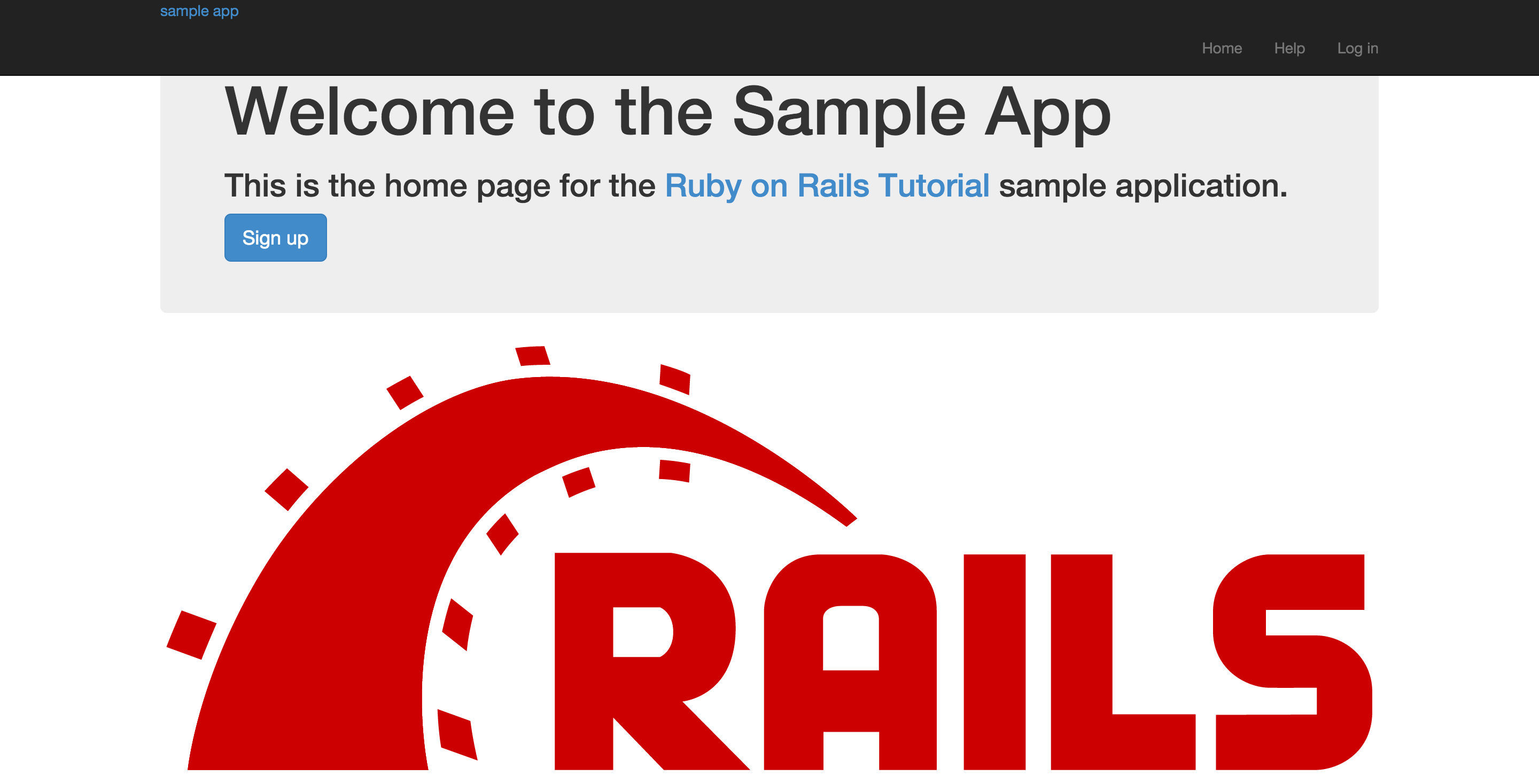
重新啟動 Rails server,效果如下:
開始定義 CSS,先 reset 一下:
/* universal */

body
  padding-top: 60px

section
  overflow: auto

textarea
  resize: vertical

.center
  text-align: center

.center h1
  margin-bottom: 10px
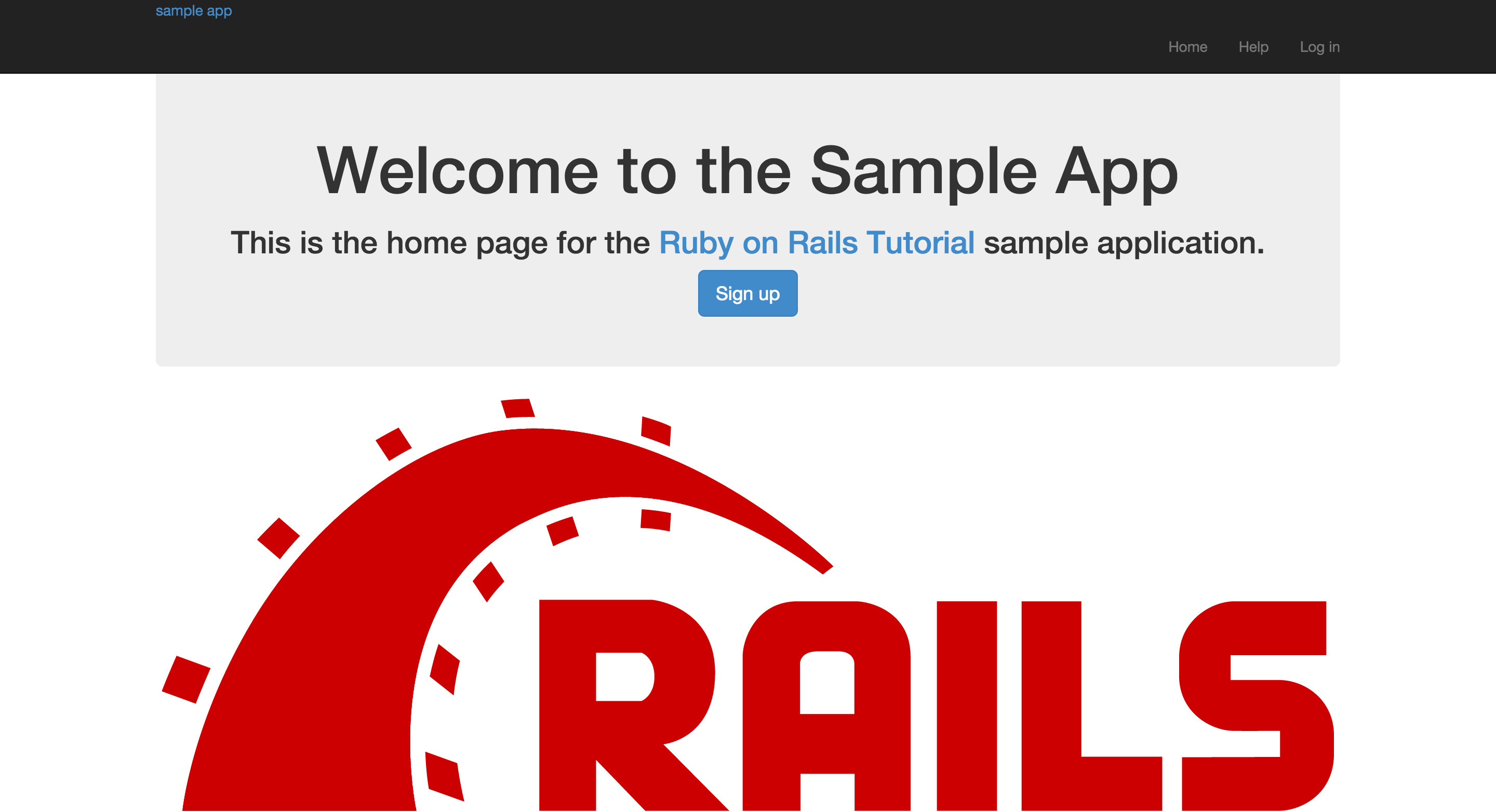
呈現效果如下:
接著是設定文字樣式:
@import "bootstrap-sprockets";
@import "bootstrap";
.
.
.
/* typography */

h1, h2, h3, h4, h5, h6
  line-height: 1

h1
  font-size: 3em
  letter-spacing: -2px
  margin-bottom: 30px
  text-align: center

h2
  font-size: 1.2em
  letter-spacing: -1px
  margin-bottom: 30px
  text-align: center
  font-weight: normal
  color: #777

p
  font-size: 1.1em
  line-height: 1.7em
效果如下:

最後是 Logo 樣式:
@import "bootstrap-sprockets";
@import "bootstrap";
.
.
.
/* header */

#logo
  float: left
  margin-right: 10px
  font-size: 1.7em
  color: #fff
  text-transform: uppercase
  letter-spacing: -1px
  padding-top: 9px
  font-weight: bold

  &:hover
    color: #fff
    text-decoration: none
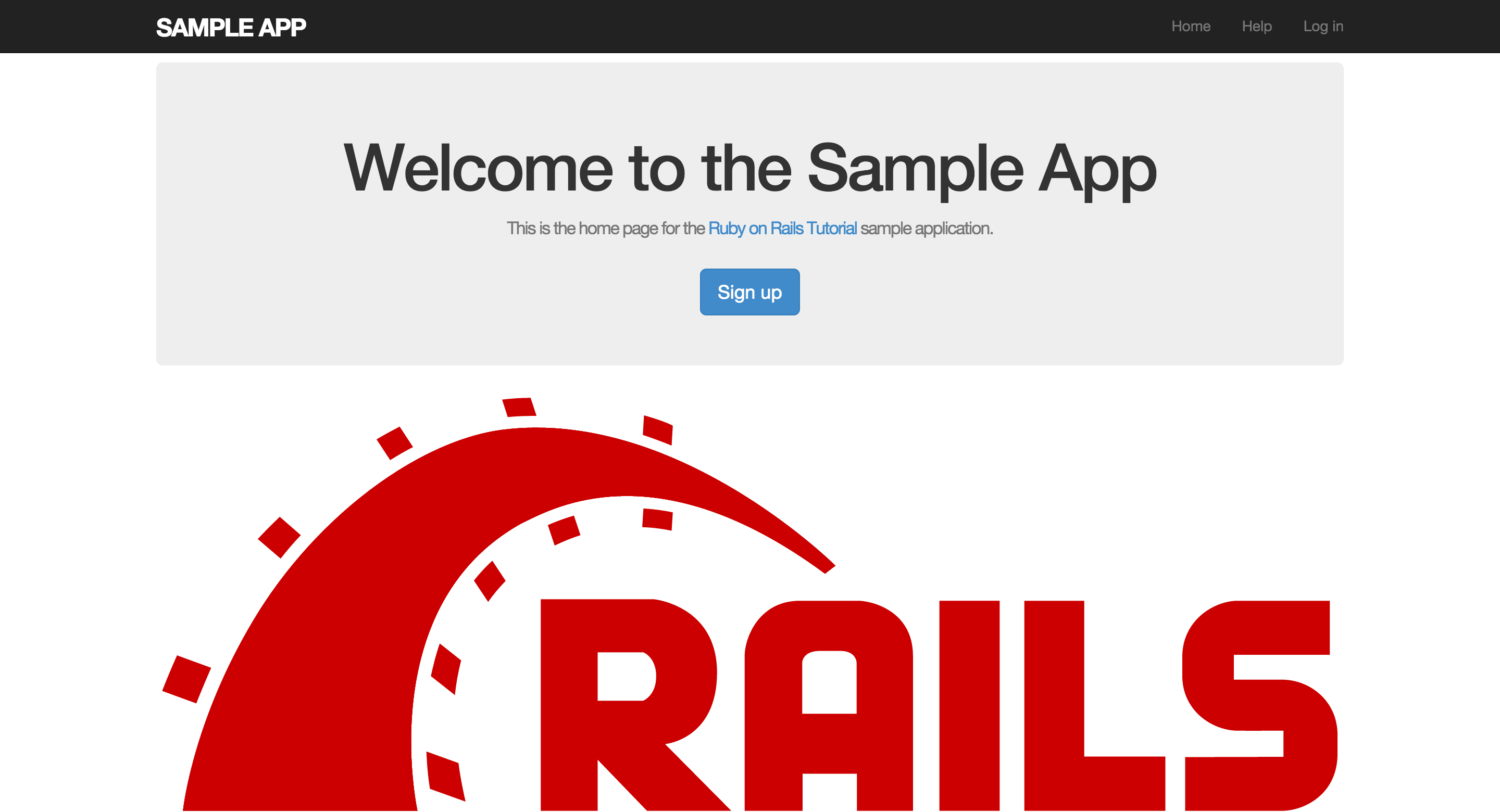
效果如下: