Email in production
設定完帳號啟動和重設密碼後,接下來我們要來實作能在 production 環境發送郵件的功能。我們要先設定一個免費發送郵件的服務,設定 APP,最後部署。
我們要在 production 環境中使用 SendGrid,這是 Heroku 的外掛,只有通過認證的帳號才能使用(要在 Heroku 填寫信用卡資料,不過認證不會收費)。對我們的 APP 來說,使用免費的就可以了,一個月可寄送 12000 封郵件。
使用以下指令把 SendGrid 加進來:
$ heroku addons:create sendgrid:starter
為了讓 APP 能使用 SendGrid,我們要在 production 環境中設定 SMPT,同時也要定義 host 變數,設定 production 環境中的網址:
config/environments/production.rb
Rails.application.configure do
  .
  .
  .
  config.action_mailer.raise_delivery_errors = true
  config.action_mailer.delivery_method = :smtp
  host = '<your heroku app>.herokuapp.com'
  config.action_mailer.default_url_options = { host: host }
  ActionMailer::Base.smtp_settings = {
    :address        => 'smtp.sendgrid.net',
    :port           => '587',
    :authentication => :plain,
    :user_name      => ENV['SENDGRID_USERNAME'],
    :password       => ENV['SENDGRID_PASSWORD'],
    :domain         => 'heroku.com',
    :enable_starttls_auto => true
  }
  .
  .
  .
end
上面設定了 SendGrid 帳戶的使用者名稱(user_name)和密碼(password),但是注意,這兩個的值是從 ENV 環境變數(environment variable)中取得,而不是直接撰寫程式碼。這是 production 環境中的最佳實踐,為了安全,絕對不要在原始碼中透露像密碼這樣的敏感訊息。這兩個值是由 SendGrid 自動設定,之後會介紹如何自己設定。可以使用以下指令查看這兩個環境變數的值:
$ heroku config:get SENDGRID_USERNAME
$ heroku config:get SENDGRID_PASSWORD
最後,提交、合併:
$ bundle exec rake test
$ git add -A
$ git commit -m "Add password resets & email configuration"
$ git checkout master
$ git merge account-activation-password-reset
然後 push、部署:
$ bundle exec rake test
$ git push
$ git push heroku
$ heroku run rake db:migrate
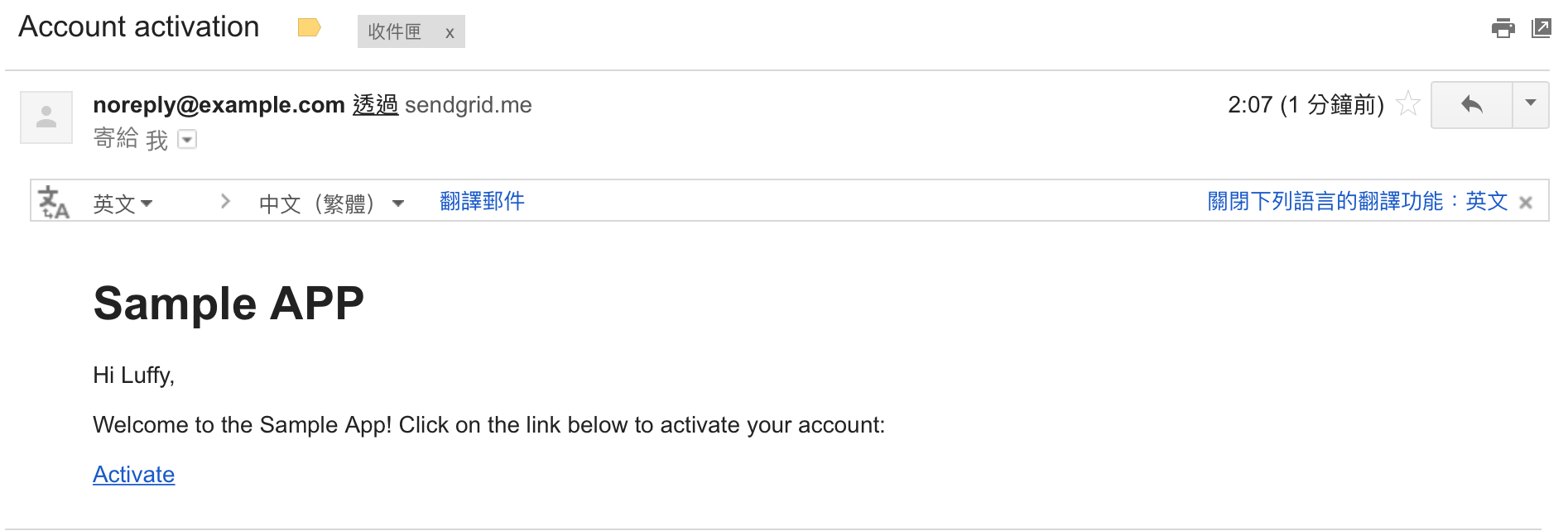
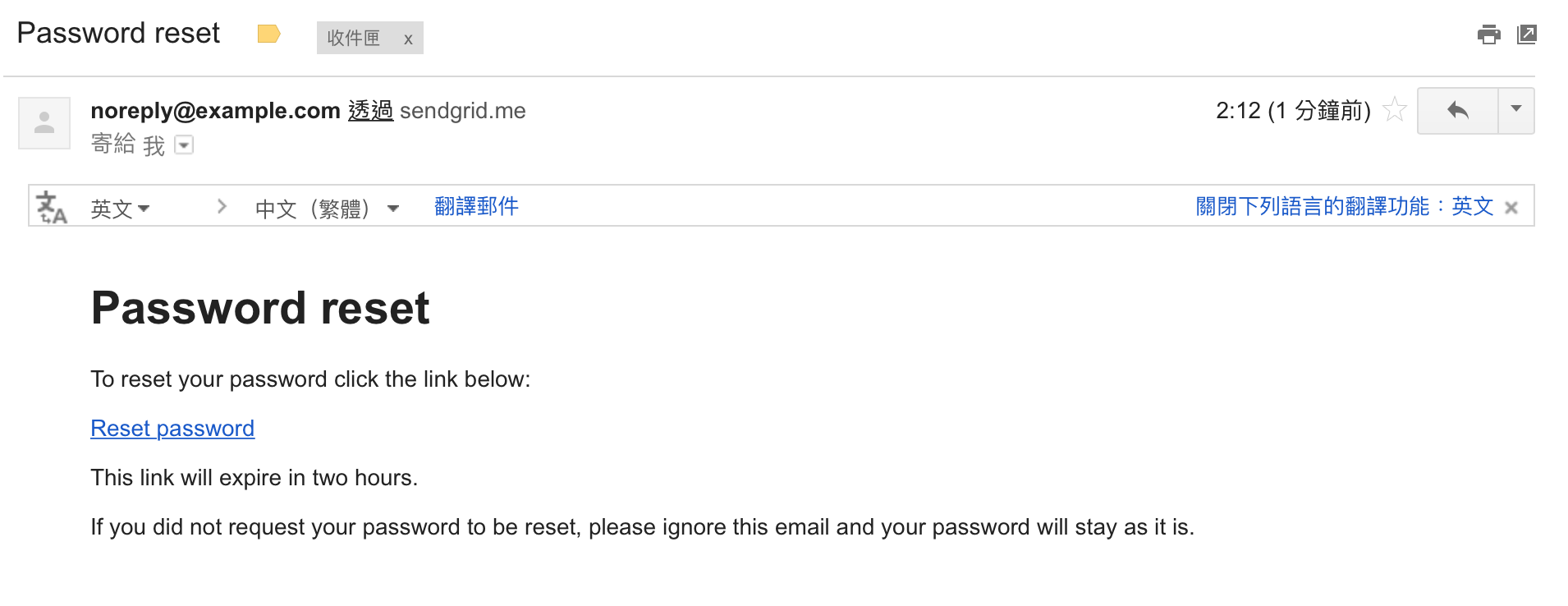
接著就可以在 production 環境中試著註冊、啟動帳號、重設密碼: